The Accountant Feature is in beta-testing and available starting with the edge-version 1.7
Getting Started
- Install the edge channel of Diode-Node, which is 1.7.x
- For the beta-testers, run command:
snap refresh diode-node --edge --amend - This will bring your to edge node as 1.7.x
Configure Accountant Address
-
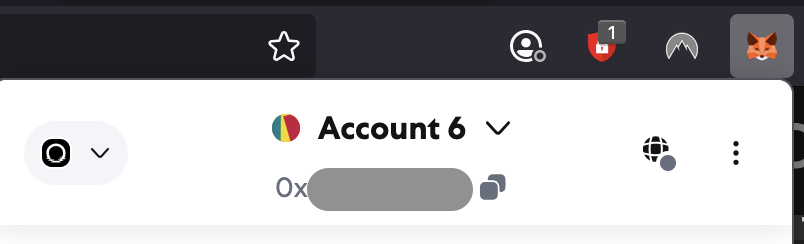
Open Metamask
-
Click on the address below your account name to copy the address
-
Set the address on your node using this snap command:
snap set diode-node accountant-address=<PASTE YOUR METAMASK ADDRESS HERE> -
Confirm correct configuration by running:
diode-node.infowhich should print something like this:
> diode-node.info
== Diode Node 0xe8ef479495815e34818ef5eba681311f5017516c ==
Name             : yournode@yourhost
Version          : 1.7.1
Accountant       : <YOUR METAMASK ADDRESS HERE>
Uptime           : 59
Connected Devices: 1
Connected Peers  : 125

Current Epoch    : 676
Ticket Score     : 1157787648

Previous Epoch   : 675
Ticket Score     : 1661279232

Dashboard        : https://diode.io/network/#/node/0xe8ef479495815e34818ef5eba681311f5017516c
Enable Accountant Controls
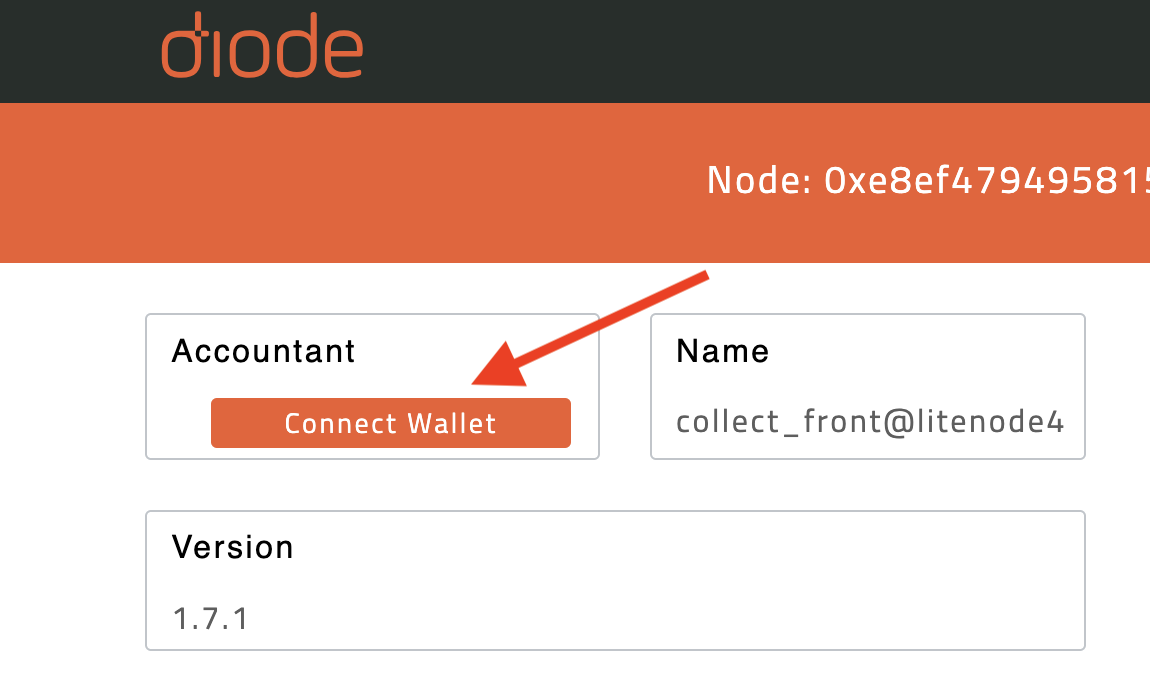
Finally follow the link to your node dashboard and you should see a “Connect Wallet” option: